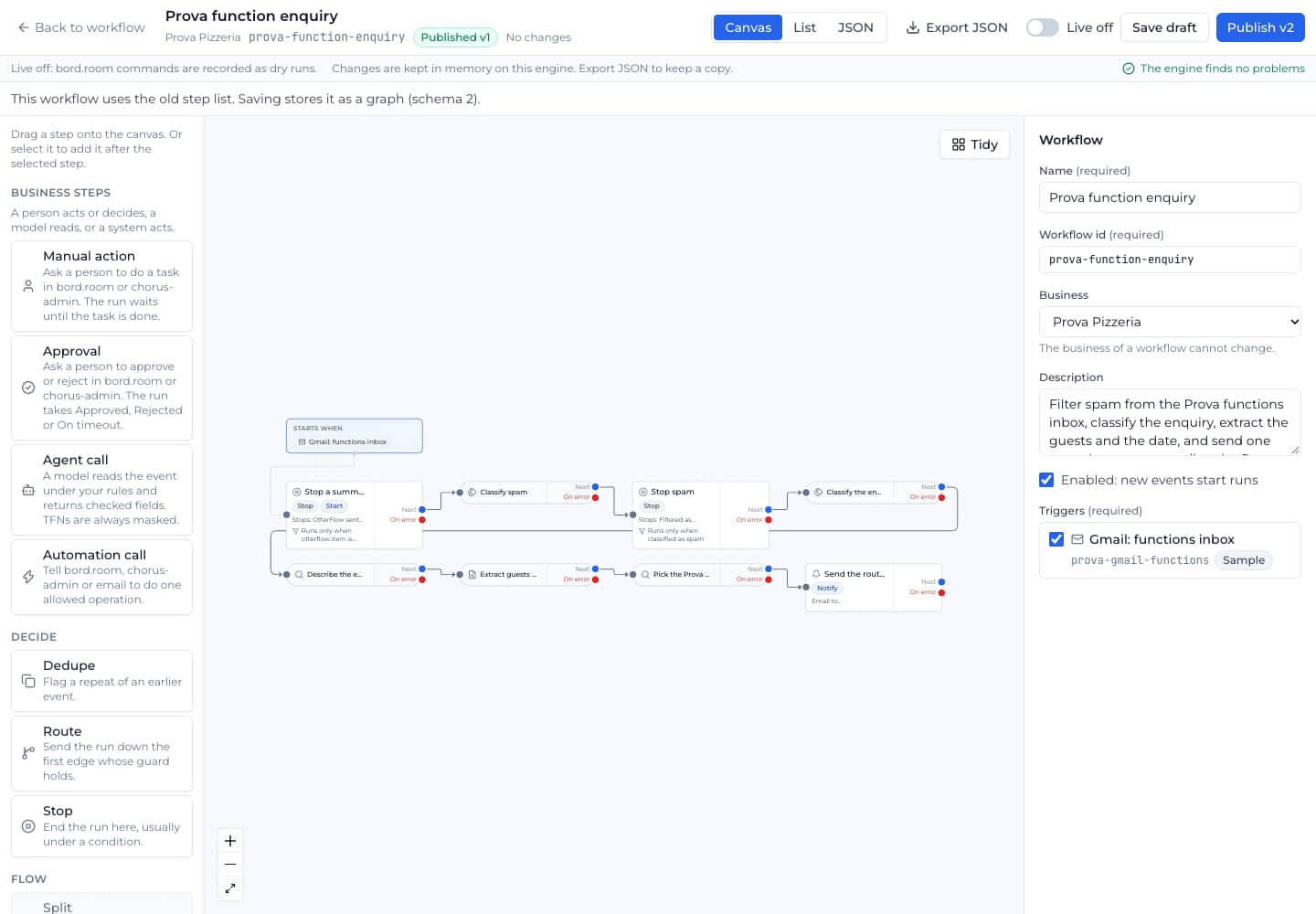
How OtterFlow works
Receive an event, decide where it belongs, and record the action step by step.
Receive and classify
Forms, Gmail and cPanel inboxes, and bord.platform events enter the workflow engine. Workflows read, de-duplicate, classify and route each event according to their configured rules.
Design a bounded graph
Schema 2 workflows support one-to-one, one-to-many, many-to-one and many-to-many paths with guided bounds. The full-screen editor offers canvas, list and JSON views.
Send work to its owner
The engine sends signed commands to configured systems such as bord.room or the receiving administration system, and routes emails. OtterFlow does not own cases; the receiving business system keeps that responsibility.
Inspect each run
Operators can follow recorded steps, inspect events and run results, and review outgoing items in the Outbox. Demo emails, SMS and webhooks are recorded as dry runs. Production integrations need their own credentials and go-live verification.